
Client Objective
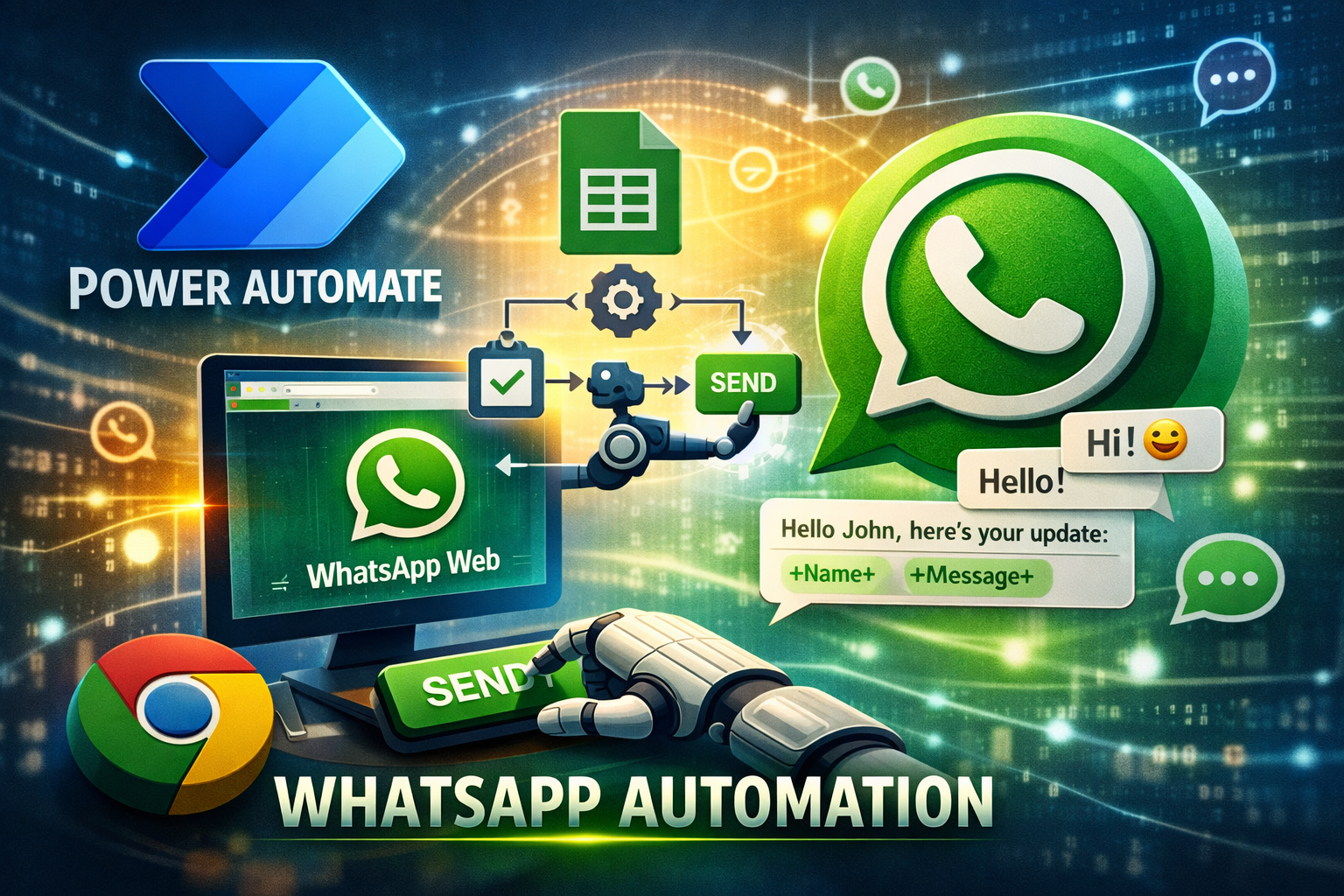
The client required an automated solution to send personalized messages at scale using data stored in a Google Sheet.
The key objective was to develop a Power Automate Desktop flow that:
- Reads data from Google Sheets (Name, Number, Message).
- Launches and controls Google Chrome for browser-based interactions.
- Initiates chats via WhatsApp Web.
- Sends customized messages to each contact.
- Processes records sequentially to avoid rate limits or delivery errors.
A strict requirement was that the automation must work only in Google Chrome, ensuring consistency with the client’s operational environment.
Challenges
- Reliable integration between Power Automate Desktop and Google Sheets.
- Stable browser UI automation in Chrome without using Firefox or Edge.
- Accurate handling of dynamic web elements on WhatsApp Web.
- Preventing message failures caused by rapid execution or rate limits.
- Ensuring personalization accuracy for every message sent.
Solution Delivered by CnEL India
CnEL India designed and implemented a robust, scalable automation solution using Power Automate Desktop with a Chrome-focused approach.
- Configured secure access to Google Sheets and fetched rows dynamically.
- Built a Chrome-specific desktop automation flow to handle all UI interactions.
- Automated browser actions including opening WhatsApp Web, searching contacts, pasting messages, and sending chats.
- Implemented sequential row processing with smart delays to avoid rate limits.
- Added validation and error-handling logic to ensure high delivery success.
Why CnEL India Was the Best Choice
- Deep Automation Expertise: Proven experience with Power Automate Desktop and complex UI workflows.
- Browser-Specific Precision: Tailored the solution exclusively for Google Chrome as required.
- Attention to Reliability: Designed flows that minimize errors and maximize stability.
- Scalable Design: The solution can handle growing data volumes without performance issues.
- Client-Centric Approach: Clear communication, fast iterations, and alignment with business goals.
Results
- 100% Chrome-compatible automation flow.
- Significant reduction in manual messaging effort.
- Consistent and accurate delivery of personalized messages.
- Improved operational efficiency and time savings.
Client Review
“CnEL India delivered exactly what we needed. The Chrome-based automation works flawlessly with Google Sheets and WhatsApp Web.
Their understanding of Power Automate Desktop and attention to detail were outstanding.
The solution is stable, efficient, and has saved us countless hours of manual work.
Highly recommended for any automation project.”
Conclusion
This project demonstrates CnEL India’s ability to deliver precise, browser-specific automation solutions using Power Automate.
By combining technical expertise with a strong focus on reliability and client requirements,
CnEL India proved to be the ideal partner for this automation initiative.